
A must-do app for foreigners in Korea · Official website 2026
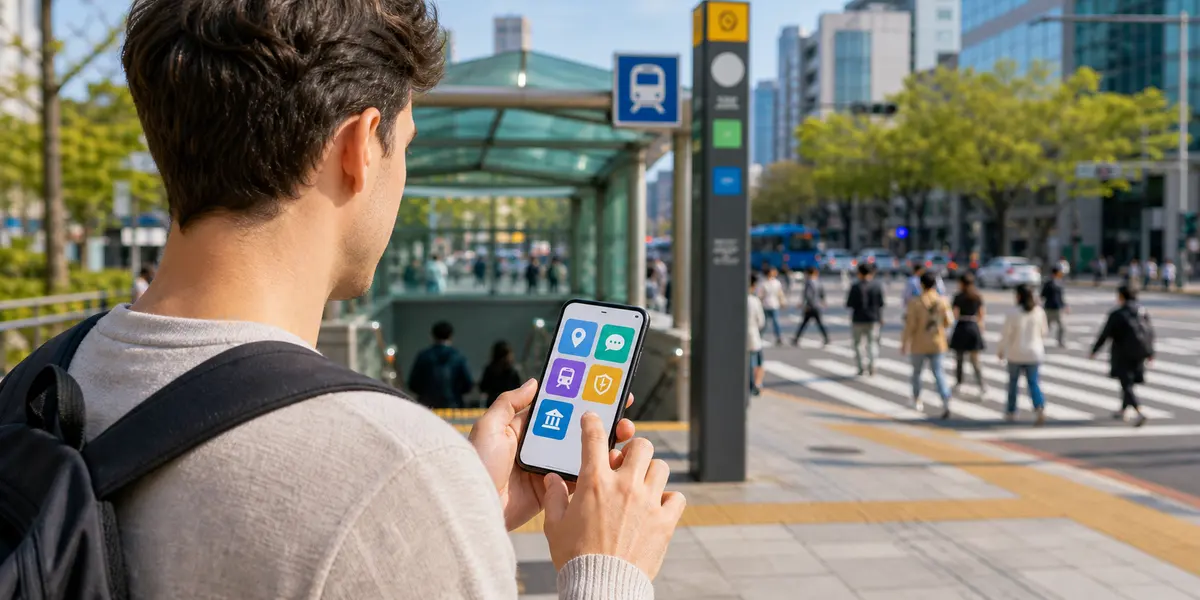
If you are new to Korea, it is a smartphone environment that you need to prepare before you stay. South Korea relies heavily on mobile for maps, public transportation, taxis, deliveries, identity verification, and immigration reservations. This article is a living guide that summarizes the essential apps and official websites that travelers and long-stay foreigners should use right here in Korea by 2026.
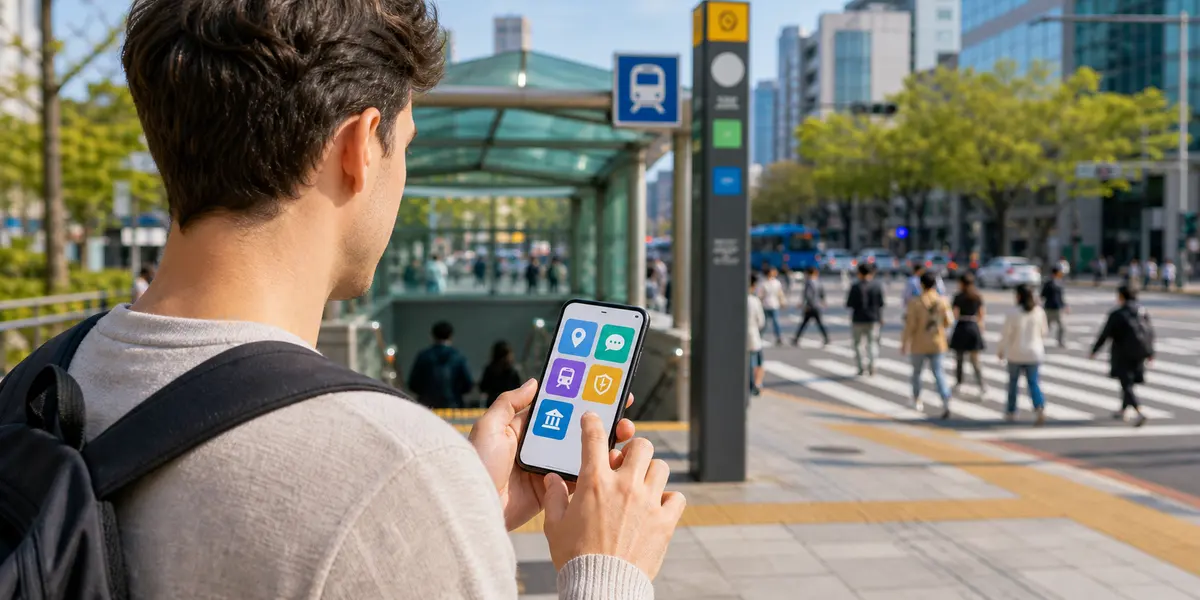
1. Maps app: Naver Maps and Kakao Maps are almost mandatory
In Korea, public transportation and walking directions on Naver Maps and Kakao Maps are often more accurate than overseas map services. Subway exit numbers, bus arrival times, estimated taxi routes, and even nearby restaurant searches are all at once necessary for travelers and residents alike. Some places are not perfect in English, so it's good to save your Korean address or building name.
2. Translation app: Prepare Papago and Google Translate together
Translation apps are a must when reading restaurant menus, hospital admissions, and government notices. Papago often feels natural in translating Korean sentences and images, and Google Translate is great for multilingual conversions and quick conversations on the go. Don't just rely on automatic translations for important contracts or visa documents, check the original text and official instructions together.
3. Transportation app: Prepare to divide the subway, bus, and train
In Seoul and the metropolitan area, you may need the subway line app and the KORAIL app or the express bus booking app to travel around the country. Transportation cards are best served by physical T-money cards, and some mobile transportation cards are available by mobile phone type, carrier, and payment method. On your first day in Korea, it's safe to secure a physical transportation card first at an airport convenience store or subway station.
4. Taxi and transportation: Kakao T is convenient to register
Calling a taxi is convenient if you pre-install an app like Kakao T. However, registration of foreign cards, verification of mobile numbers, and availability of local services may change. If you can't pay in the app, you can copy the destination address in Korean and show it to the driver, or you can pay with a card or cash.
5. Immigration: HiKorea and e-Arrival Card use only official site
HiKorea is a must for long-stay foreigners. In HiKorea, you can find features such as electronic complaints, visit reservation, inquiry of the expiration date of stay, and inquiry of the jurisdiction's immigration and foreign bureau. The Foreign Comprehensive Information Center 1345 is also frequently used for stay, administration, and life guidance.
If you require an e-entry declaration before entering the country, be sure to use the official e-Arrival Card site. According to official instructions, the e-Arrival Card is free of charge and can be submitted online within 3 days prior to arrival in Korea. Similar sites that require payment information should be avoided.

6. Government complaints and living documents: Gov24, Easy Law, Regional Foreign Assistance Center
While Gov24 focuses on national complaints such as resident registration, it is helpful to check some living documents and guidance from government services. If you refer to Easy Law, which is easy to find for laws and living systems, it is good to understand the system structure even for those who are unfamiliar with Korean. Big cities such as Seoul, Busan, and Incheon operate foreign resident support centers or global centers, so search for the name of the place where you live.
7. Safety apps and emergency contacts: Save your number before the app
In emergencies, your phone number is faster than finding the app. Save 112 for crime, loss, and danger; 119 for fire and ambulance; 1345 for alien stay counseling; and 1330 for language assistance during sightseeing. If you're having trouble comprehending disaster texts and weather reports, you can use the Emergency Ready App or a translation app.
8. Korean Life App Preparation Sequence
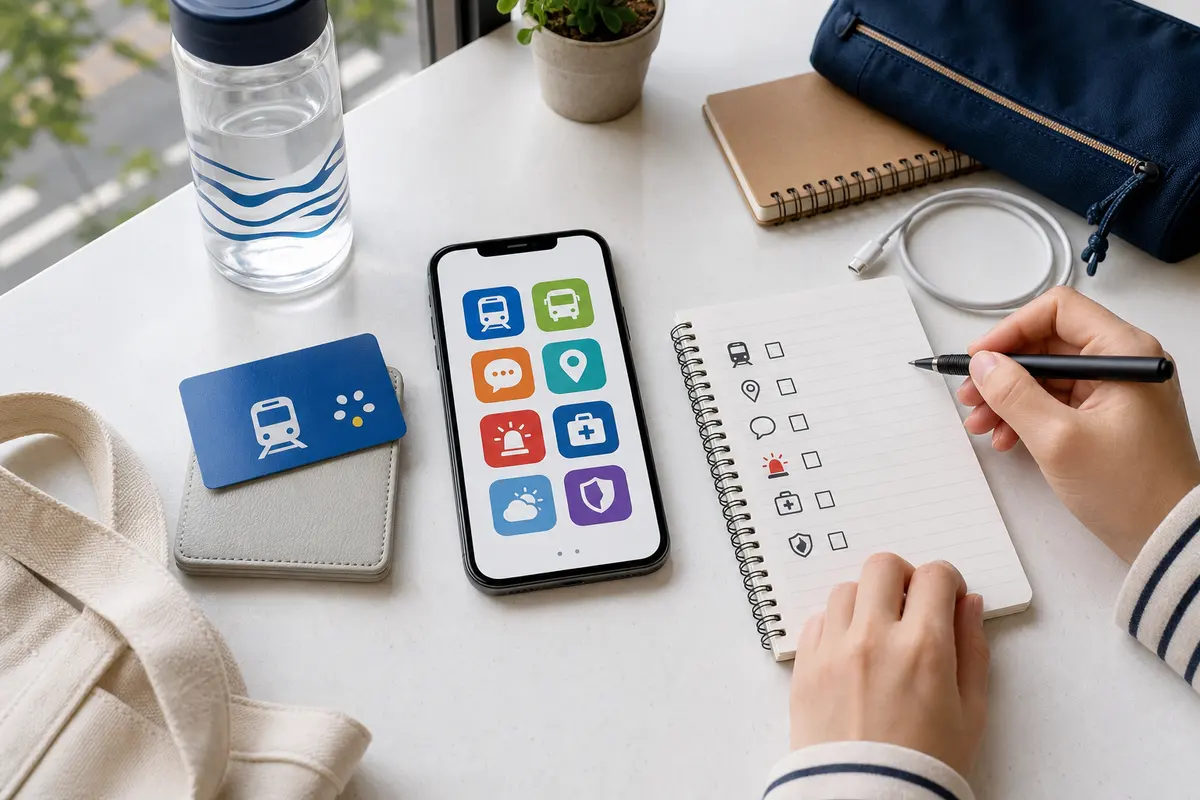
Install maps, translations, messengers, taxis, and train and bus booking apps before you arrive in Korea. Once you arrive, you can add a Korean phone number and payment method to your account by adding an app for transportation, delivery, banking, or identity verification. In particular, it is recommended to set calendar reminders so that long-term residents do not miss deadlines such as HiKorea visit reservation, length of stay, and address change report.
Official verified by
- HiKorea: https://www.hikorea.go.kr
- e-Arrival Card: https://www.e-arrivalcard.go.kr
- Gov24: https://www.gov.kr
- Easy-to-find life code information: https://www.easylaw.go.kr
The app name and service policy may vary by country, mobile phone type, payment method, and status of residence. Therefore, it is safest to prepare a private app for actual use, and make the final determination regarding visas, entry, stay, and documents on the official website.