Korean Joint Certificate/Simple Authentication Preparation Method for Foreigners 2026: Bank/Mobile Phone/Error Checking
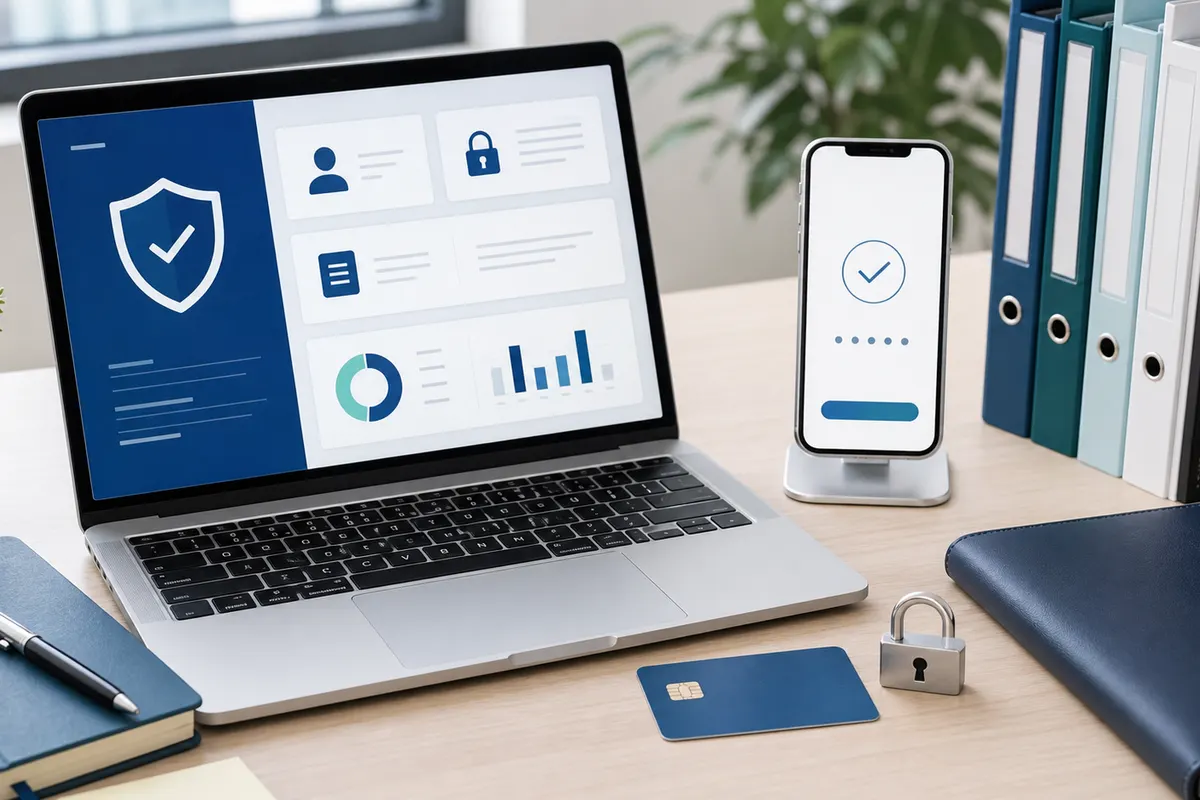
When using the banking, shopping, administrative, insurance, and school systems in Korea, there are many cases of blocking at the authentication stage. Joint certificates, financial certificates, and simple authentication are convenient, but errors may occur even if the foreigner's name, mobile phone name, or bank information is slightly different. Getting your information right from the start will make your online life much smoother.
Understand the role of authentication methods
Joint certificates and financial certificates are often used in banking, public, and financial services, and simple authentication is a method of quickly logging in or verifying identity through a mobile phone app. Since the authentication methods supported by each site are different, it is better to organize bank authentication and mobile phone authentication together rather than preparing only one.
Naming is the most common cause of errors
Authentication may fail if the order and spacing of the English names in your passport, alien registration card, telecommunication company, or bank account are different. Check the order of first and last names, middle names, hyphens, and spaces. If the error repeats, you should check which institution's notation is different and inquire whether it can be corrected.
Check your mobile phone name and bank account
Many authentications work based on a mobile phone in your name and a bank account in your name. There may be restrictions when using a prepaid phone, a family member's phone, or a temporary number. Before issuing a certificate, check whether your telecommunication company registration information and bank customer information match your current residence card information.
Keep your issuance and reissue information safe.
The password, security medium, email, and mobile phone number used when issuing a certificate must be managed so as not to be lost. If you change your PC or mobile phone, you may need to reissue it. It is safe not to save the certificate on a public PC, and make sure to log out after use.
When errors occur, check them one at a time
If authentication failure repeats, check in order whether it is a site problem, a problem with the phone name, a name spelling problem, or an authentication app problem. If you try too many times, you may be locked out of your account. If it is important work, it is quicker to explain the error code and the status of your information to the customer service center and receive guidance.
Pre-visit checklist
- Mobile phone name
- bank information
- English name
- Authentication Password
- security media
- error code
Detailed conditions and operating hours may vary depending on region, store, institution, and season. For important schedules or costly choices, it is best to check the official website, consultation center, and on-site information before departure.