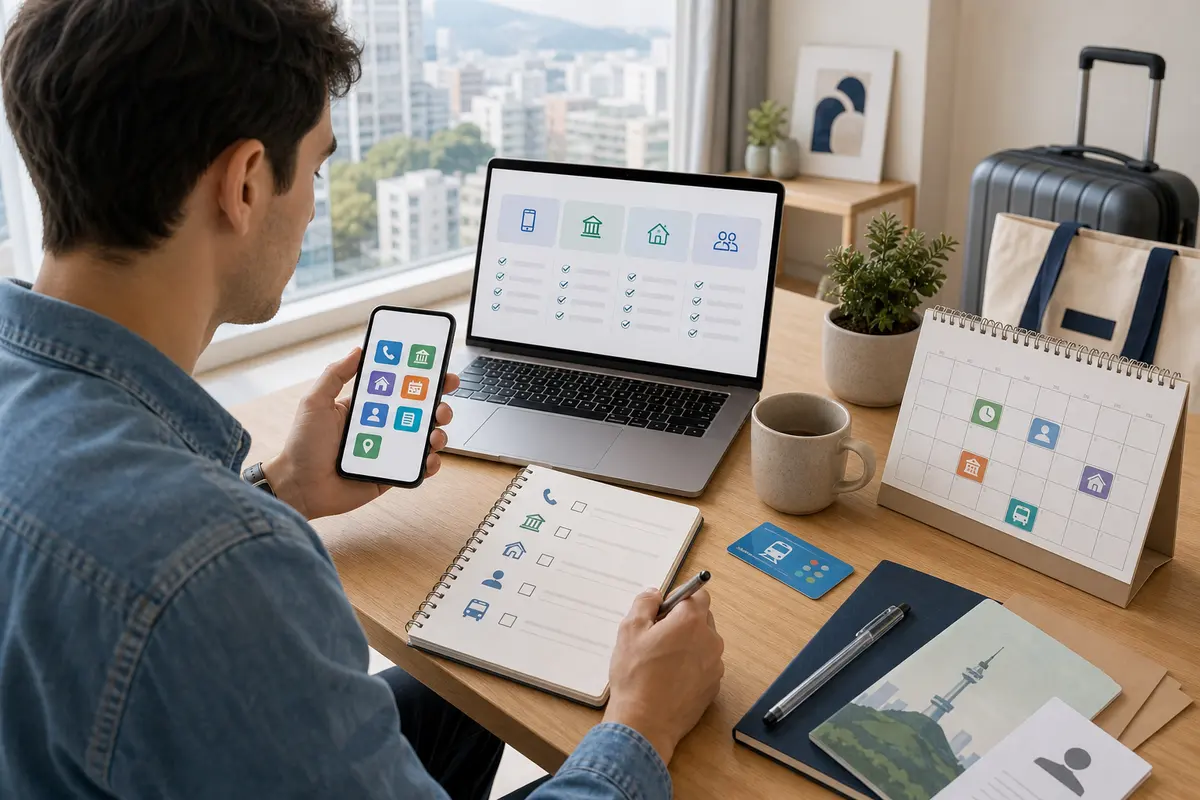
How to use Korea’s unmanned civil service issuance machine for foreigners 2026: Be careful about location, fees, and printing
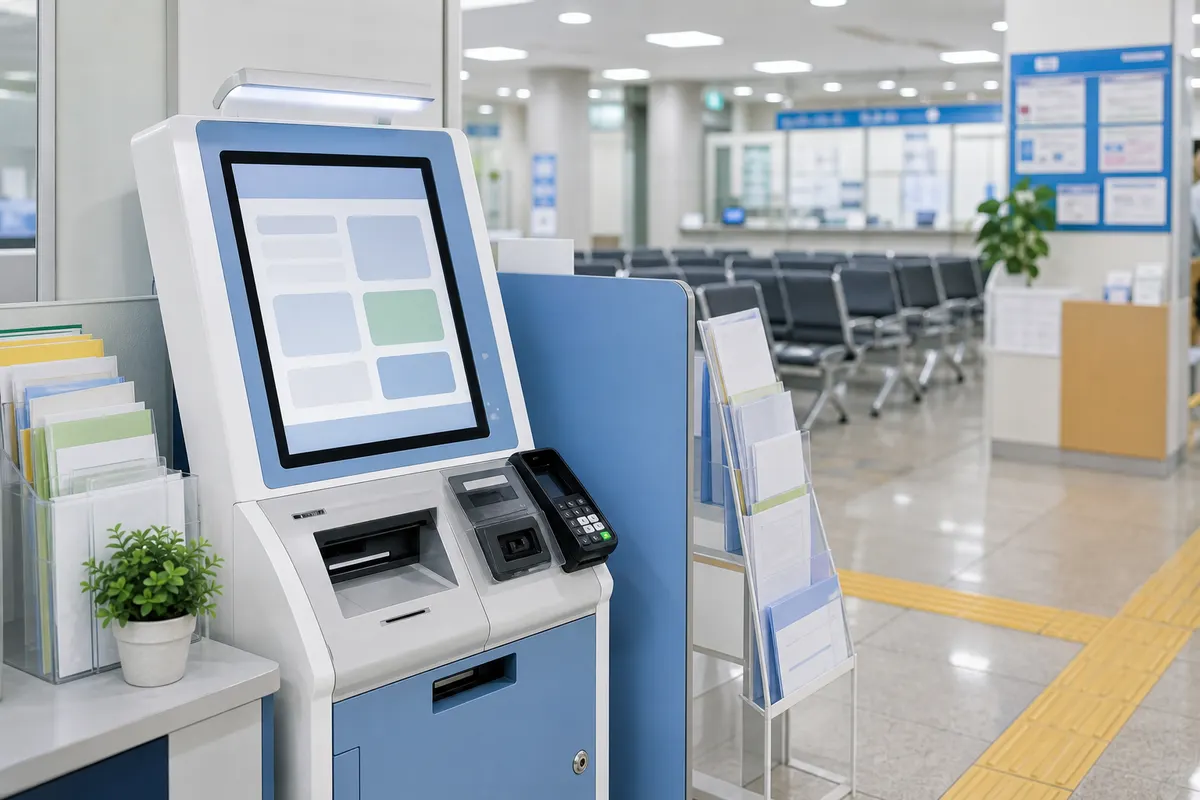
In Korea, you can print some documents from an unmanned civil service issuance machine without having to visit a community center or district office in person. It may be installed in subway stations, district offices, community centers, hospitals, large facilities, etc., so it is useful when you need documents in a hurry. However, foreigners may be limited in the documents that can be issued and the methods of identity verification, so it is recommended that you familiarize yourself with the basic flow before using it.
Check the location and operating hours first
Unmanned civil service issuance machines are not open 24 hours a day in all locations. If you are inside a building, use may be restricted depending on the building's operating hours. Check in advance the location, operating hours, and availability of nearby devices, and if there is an important submission deadline, leave some extra time before visiting.
Documents that can be issued may vary from person to person.
Some documents may be provided primarily for Korean nationals or may not be linked to information on foreigners. First, check with the submitting institution exactly what documents are required, and check if they are available at the unmanned issuance machine. If it is not issued, you may have to go to the community center, district office, immigration agency, or online complaint.
Prepare for identity verification and fees
Depending on the document, resident registration number, alien registration number, fingerprint verification, card payment, or cash payment may be required. It is a good idea to bring your alien registration card and prepare at least two payment methods. Fees may vary depending on the type of document and region, so check the amount on the screen before proceeding.
Check preview and number of copies before printing
It may be difficult to refund or modify issued documents after printing them. Please check to the extent possible on the screen whether the required information such as name, address, date of birth, date of issuance, and submission address are correct. If you need multiple sheets, it is convenient to select the correct number of sheets and separate them into submission and storage purposes.
Be sure to leave no personal information behind
After using the device, make sure it returns to the initial screen, and take the printout with you right away to avoid leaving it behind. If an error occurs or money is paid but not printed, you must contact the on-site information phone or the management agency. It is safe to store sensitive documents in an envelope or file, even when in transit.
Pre-visit checklist
- device location
- Operating hours
- Required document name
- Alien registration card
- payment method
- Check output
Detailed conditions and operating hours may vary depending on region, store, institution, and season. For important schedules or costly choices, it is best to check the official website, consultation center, and on-site information before departure.