How to use Korean print, copy, and scan services for foreigners 2026: Stationery stores, unmanned printing, and document preparation
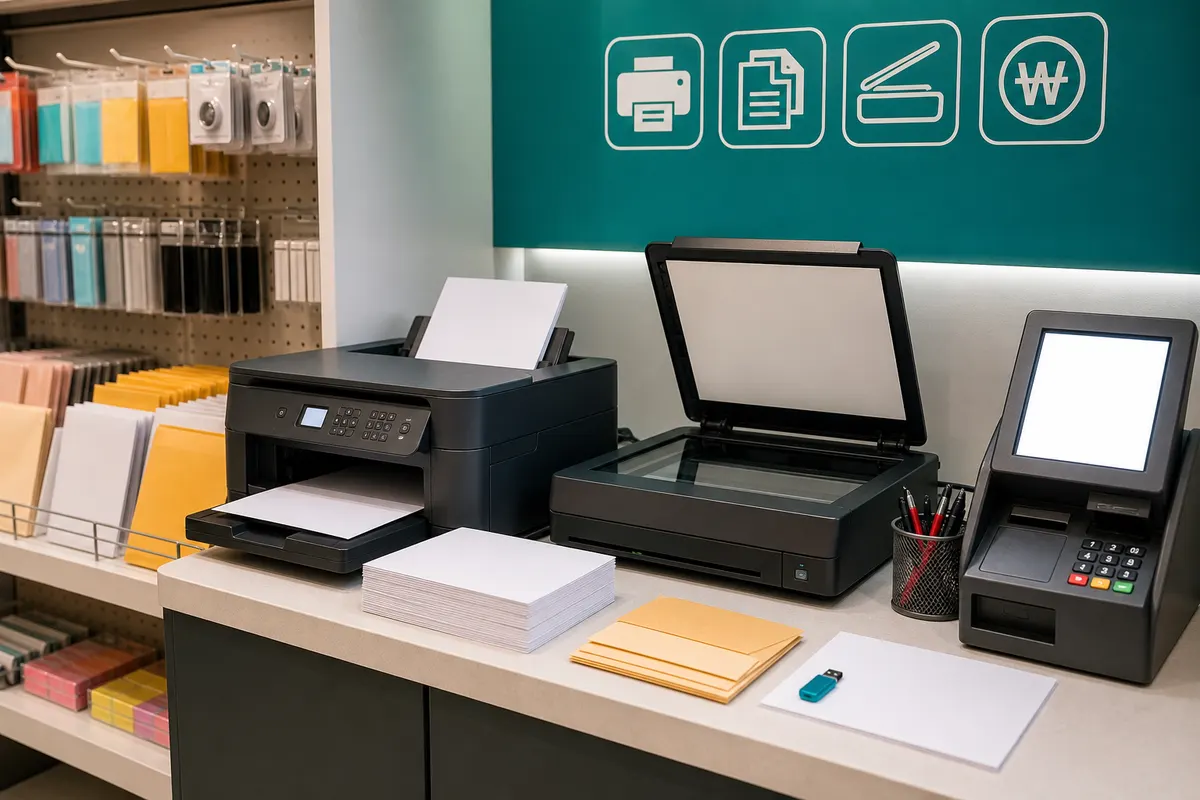
Living in Korea requires paper documents more often than you might think. There are times when you need to print, copy, or scan things like visa documents, school assignments, contracts, hospital documents, and travel reservation confirmations. Even if you don't have a printer at home, you can get it done at stationery stores, unmanned printing stores, libraries, and some shared offices, so all you have to do is prepare your files and take care of protecting your personal information.
Know where you can print
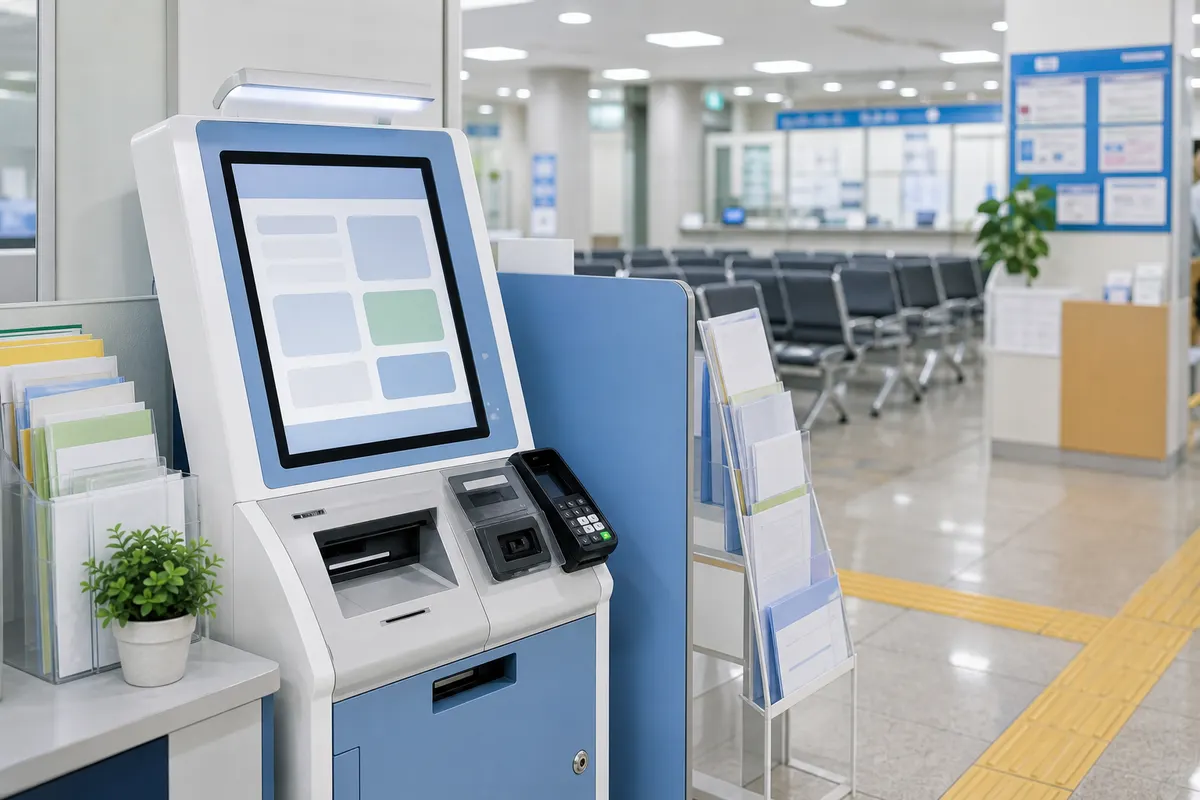
The most common places are stationery stores near schools, office printing stores, libraries, and unmanned printing corners. Since amenities vary depending on the region, it is quick to search for 'print', 'copy', 'scan', or 'stationery store' in the map app. For documents to be submitted to government offices, there are often stores that can print them at nearby community centers or district offices.
PDF is the safest file format.
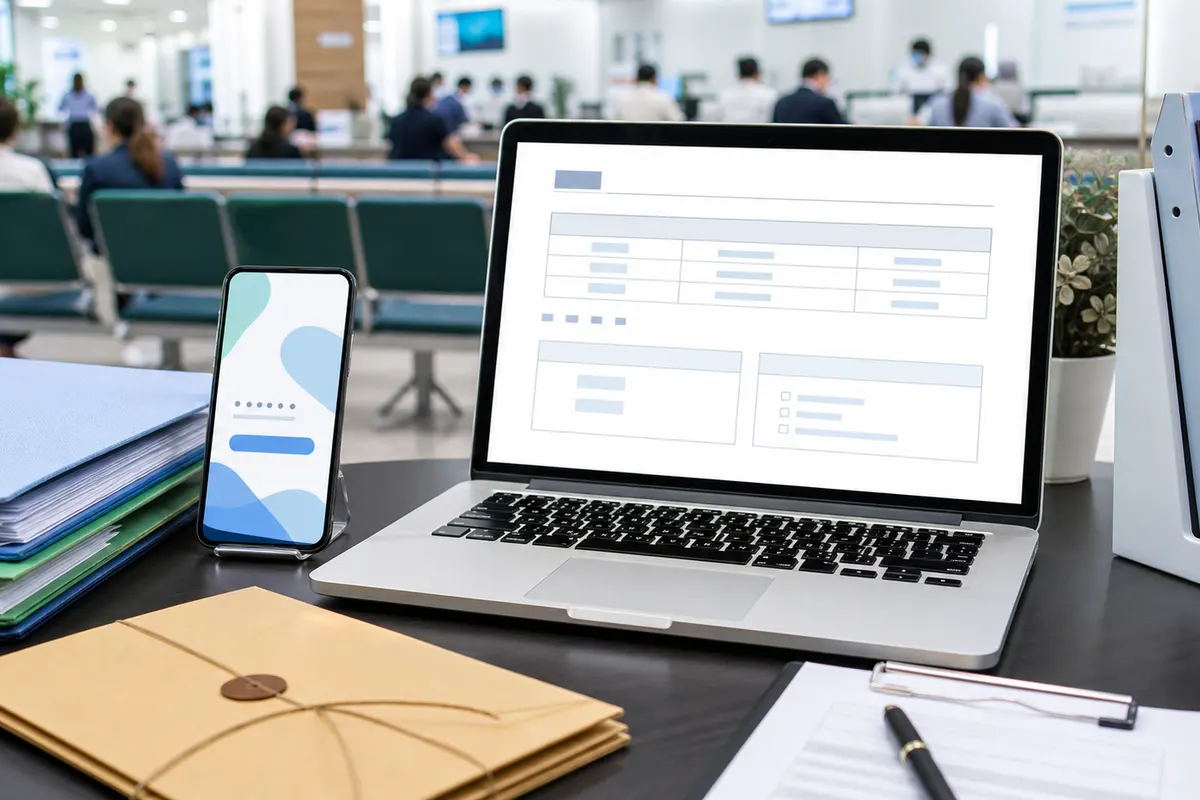
The font and line breaks of Korean documents or Word files may vary depending on the PC environment. It is recommended that you save documents for submission as PDF. Keep the originals of important files such as passport copies, residence card copies, and contracts separately, and organize the names of files for printing so that they can be easily recognized.
You can also utilize cloud and email rather than USB
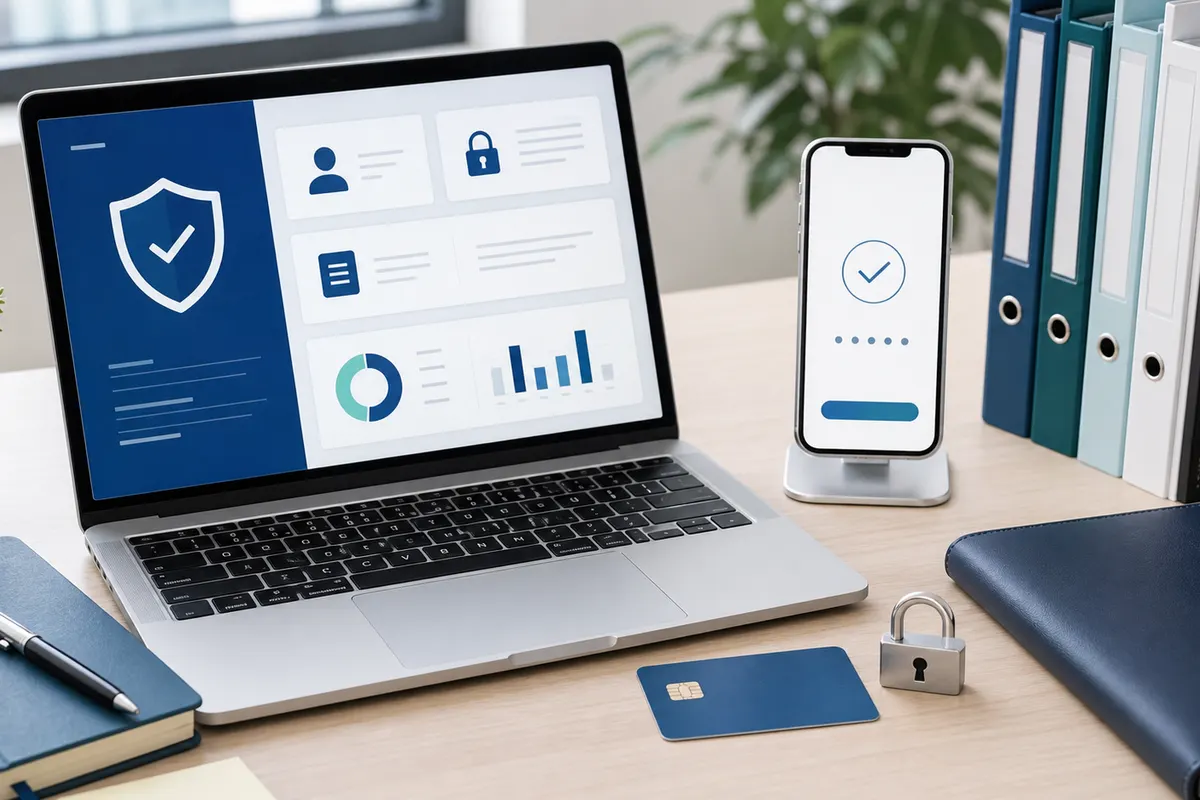
Some stores allow you to print by directly connecting a USB, and some use email upload or web upload for unmanned printing. However, if you log in from a public PC, be sure to log out and delete the downloaded file. It is recommended that you empty files containing personal information into the Recycle Bin after printing them.
Check prices and options
Prices vary depending on black and white, color, single-sided, double-sided, scanning resolution, and binding. For submission to government offices, clear black and white print is often sufficient, but for photos or portfolios, you should check the color quality. When printing multiple sheets, you can reduce waste by selecting the first sheet as a test.
Final confirmation before submission is important
Check that your name, date of birth, passport number, address, and date are not blurred. The scanned file must be checked to ensure that there are no cropped corners, no shadows, and that the file size meets the submission criteria. Keeping printed copies and PDF files of important documents is convenient when you need to resubmit them.
Pre-visit checklist
- PDF file
- USB or cloud
- Black and white/color
- Double sided or not
- Delete personal information
- Check before submitting
Detailed conditions and operating hours may vary depending on region, store, institution, and season. For important schedules or costly choices, it is best to check the official website, consultation center, and on-site information before departure.