Korean Government 24/Online Civil Service Instructions for Foreigners 2026: Certificate Issuance, Certification, and Visit Reservation
As you live in Korea for a long time, you often need to prepare various certificates, address verification, tax and insurance-related documents, and documents for school or company submission. Some documents can be applied for online or printed out, but the scope of use may vary for foreigners due to the authentication method or residence information. This article is a guide to help foreigners who are using Government 24 and the online civil service service for the first time understand the general trend.
Share what is available online and what requires a visit
Simple certificate inquiry or issuance may be possible online, but alien registration, change of residence status, and some immigration-related tasks may require separate site or visit procedures. Even if the document name is similar, the format required by the submitting organization may be different, so it is recommended to first check the exact document name with the company, school, or institution.
Authentication method is the biggest hurdle
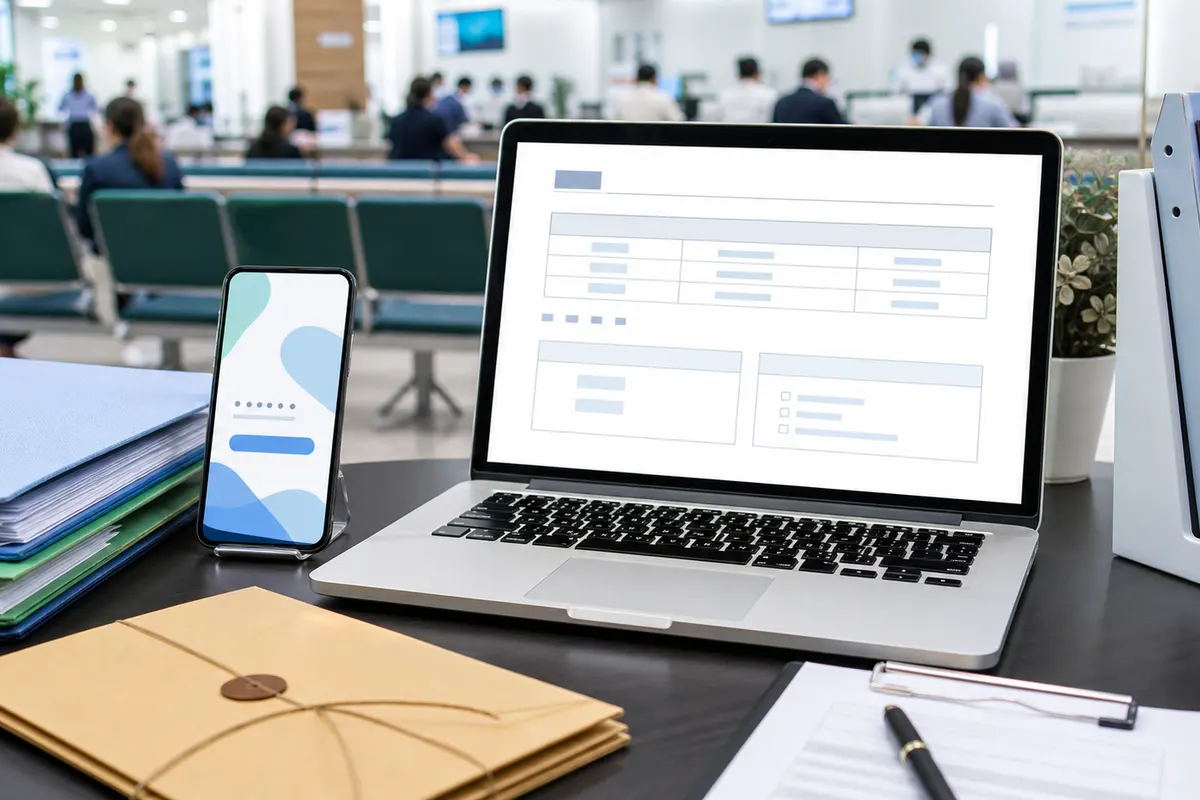
Korean online complaints often require identity verification. There are several methods such as mobile phone authentication, joint certificate, financial certificate, and simple authentication, but they may fail if the foreigner's name, telecommunication company registration information, and residence card information do not match. If authentication errors repeat, it is best to quickly check your registration information at your bank, telecommunication company, community center, or customer center.
Check printing and PDF saving conditions
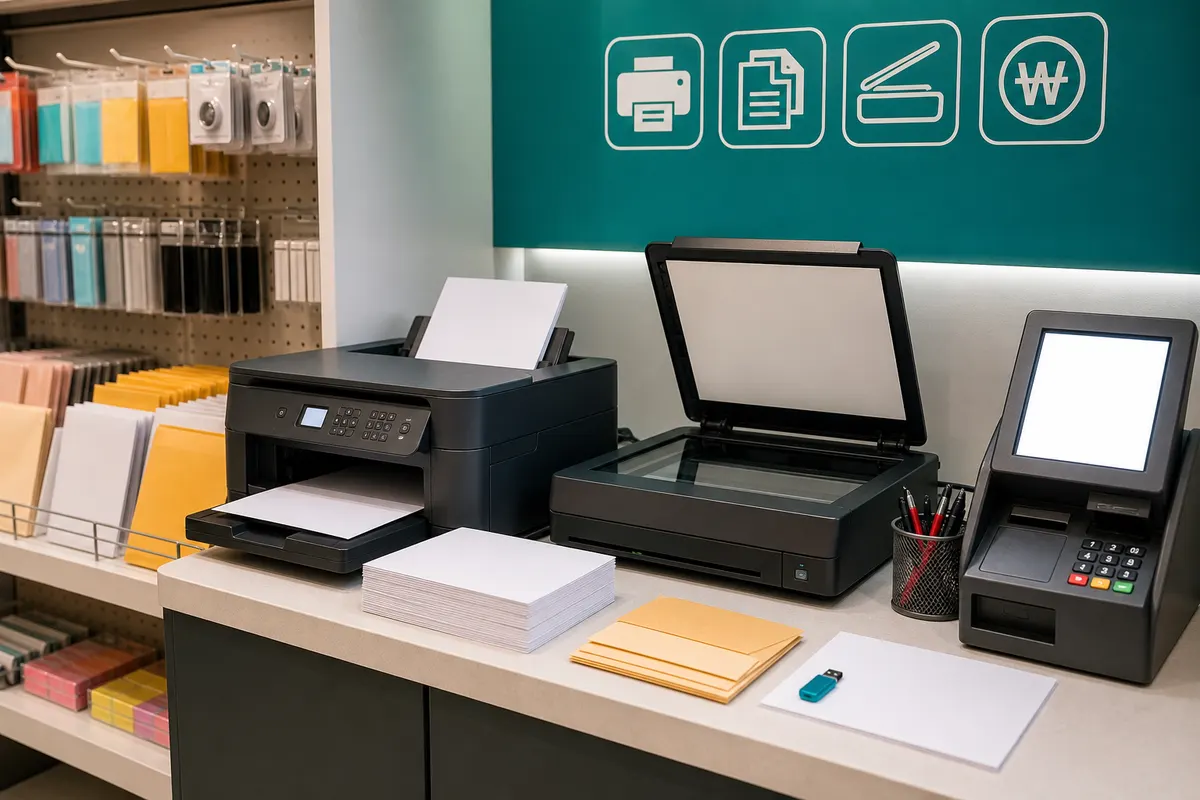
Documents issued online may need to be printed immediately or PDF storage may be restricted. If you don't have a printer at home, check in advance whether you can save files at an unmanned printing store or stationery store. Documents for submission may be rejected if they are out of date, so the timing of issuance must also be managed.
Visiting the community center and district office is also a good option.
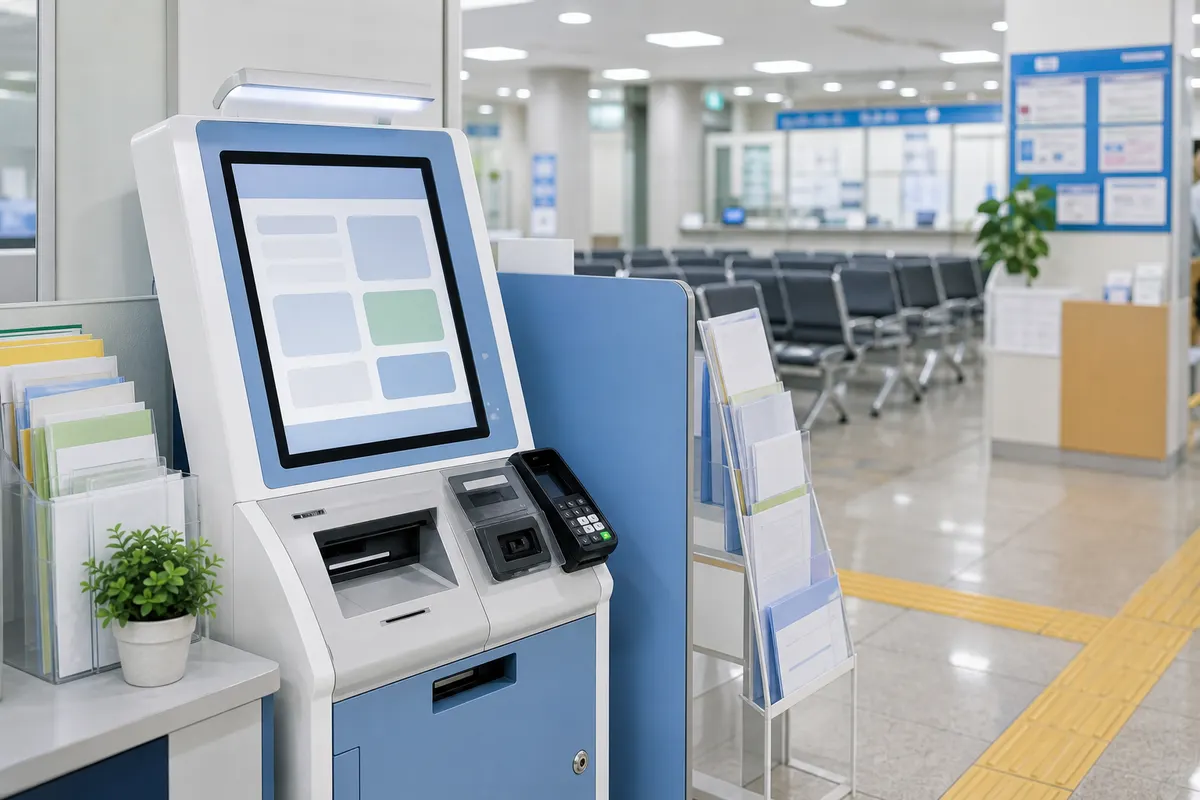
If online verification is difficult or the documents are complicated, it may be quicker to visit a nearby community center, district office, or related institution. Before visiting, check operating hours, lunch hours, number ticket closing time, supplies, fees, and availability of interpretation. It will be easier to explain if you bring your passport, alien registration card, address information, and notice from the submission agency.
Protect your personal information and account security
If you use a complaint site on a public PC, be sure to log out, delete downloaded files, and clear your browser history. Since the documents may include part of your address, date of birth, and registration number, it is recommended that you do not carelessly send them via messenger. Submit only where necessary, and organize files to be kept in a password-protected folder or personal cloud.
Pre-visit checklist
- correct document name
- Identity verification
- residence card
- printer
- What to bring for your visit
- Delete personal information
Detailed conditions and operating hours may vary depending on region, store, institution, and season. For important schedules or costly choices, it is best to check the official website, consultation center, and on-site information before departure.