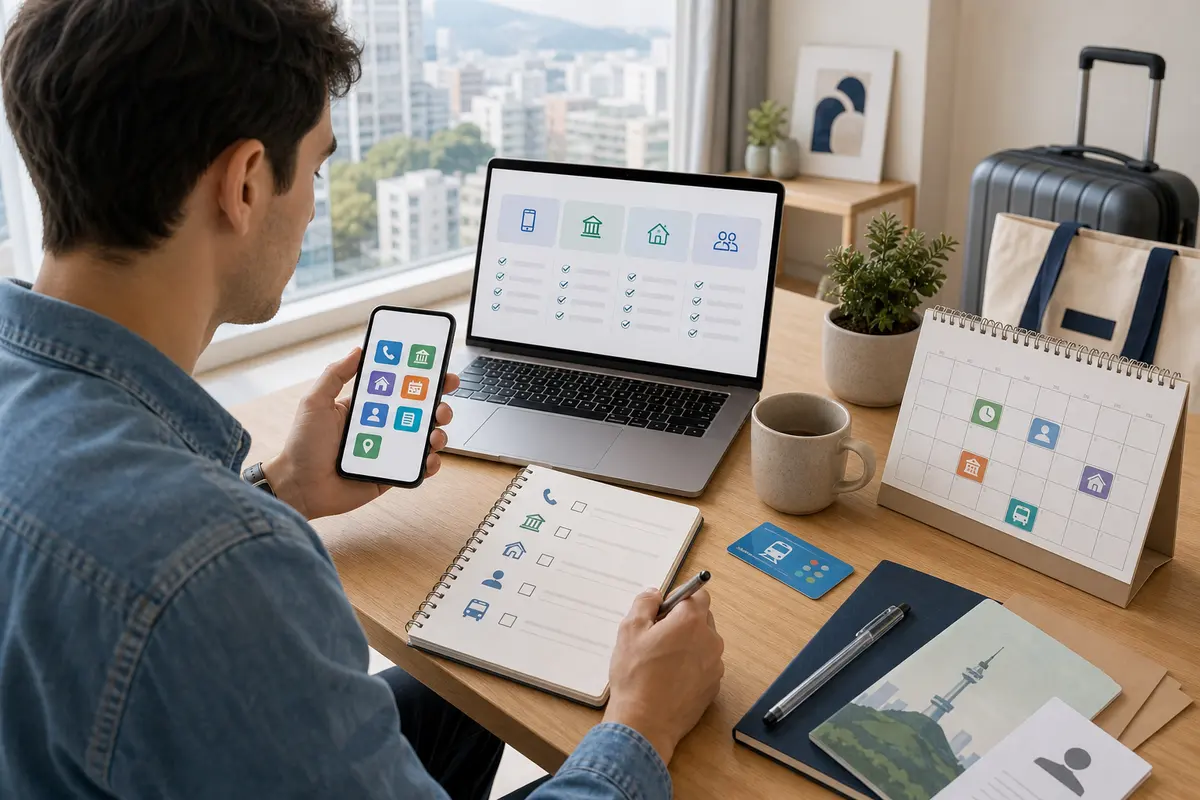
How to use Korean translation app and OCR for foreigners 2026: Menu boards, signs, reservation phrases
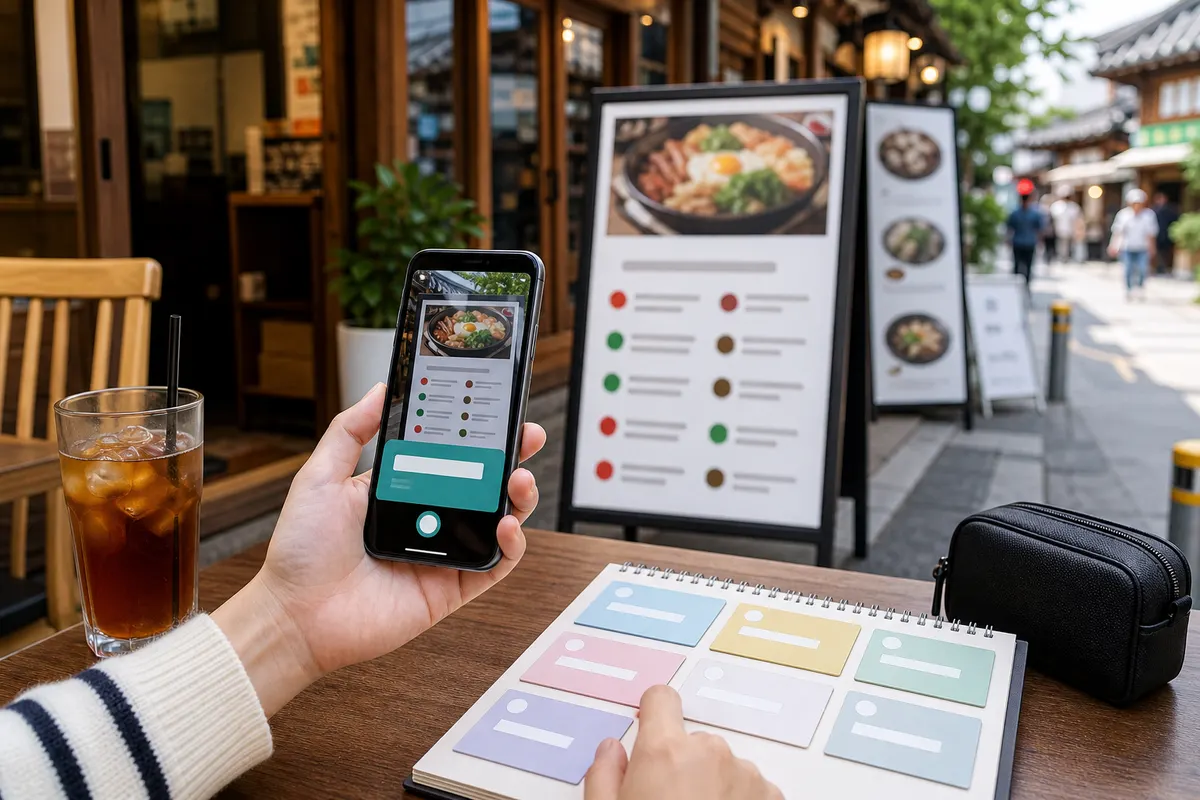
Even if you are not good at Korean, using a translation app will make ordering at restaurants, finding directions, making reservations, and shopping much easier. In particular, the camera OCR function helps you quickly understand menus and signs. However, since the translation results are not always perfect, it is necessary to get into the habit of breaking sentences into short sentences and asking confirmation questions in important situations.
Camera translation is useful for menus and signs
Short phrases such as menus in front of restaurants, cafe options, subway information, and parking information can be quickly understood through camera translation. If the text is small or light is reflected, the recognition rate decreases, so hold the screen close and take pictures without shaking. Handwriting and decorative fonts can be prone to errors.
Voice translation works best when kept briefly.
When using voice translation in taxis, restaurants, or stores, it is best to speak one short sentence at a time. Sentences with a clear purpose, such as ‘Please go to this address’, ‘Does it contain pork?’, or ‘I want to confirm my reservation’, work well. If you translate a long description all at once, the meaning may get mixed up.
Save frequently used phrases in advance
Allergy, vegetarian, spiciness control, receipt request, reservation confirmation, taxi address, and accommodation address can be saved in advance for convenience when you are in a hurry. Save it as a screenshot so you can view it offline. Medical or police wording may require greater accuracy, so it is best to consider obtaining official interpreter assistance whenever possible.
Don't just trust the translation results
Honorifics, dialects, abbreviations, and menu names may appear awkward when machine translated. Double-check important information with the other person. For example, for items where errors are likely to occur, such as prices, times, refunds, allergies, and medication instructions, it is safer to show or write numbers and key words by hand.
Be careful entering personal information
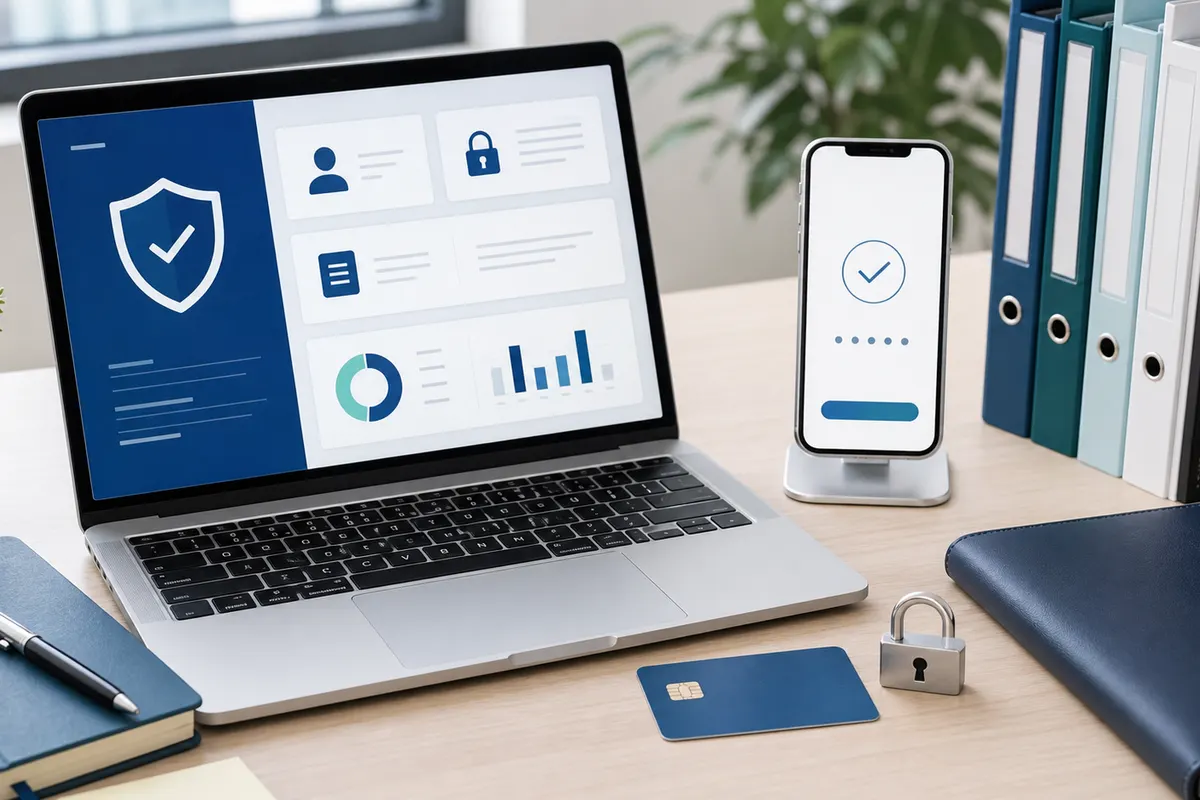
You should be cautious about entering your passport number, card number, entire address, and medical information into the translation app. When using translations on public devices or someone else's phone, be careful not to leave a record. If necessary, consider masking out sensitive numbers and translating only key sentences.
Pre-visit checklist
- camera translation
- voice translation
- save phrase
- Accommodation address
- offline screen
- Beware of personal information
Detailed conditions and operating hours may vary depending on region, store, institution, and season. For important schedules or costly choices, it is best to check the official website, consultation center, and on-site information before departure.